From Passwords to MFA: Six IT Solutions to Secure Your Business in 2025
AI-powered cyberattacks are rising rapidly, putting healthcare organizations at greater risk than ever. Discover six essential cybersecurity solutions—from MFA and endpoint protection to secure cloud backups—that will safeguard patient data and ensure business continuity in 2025.
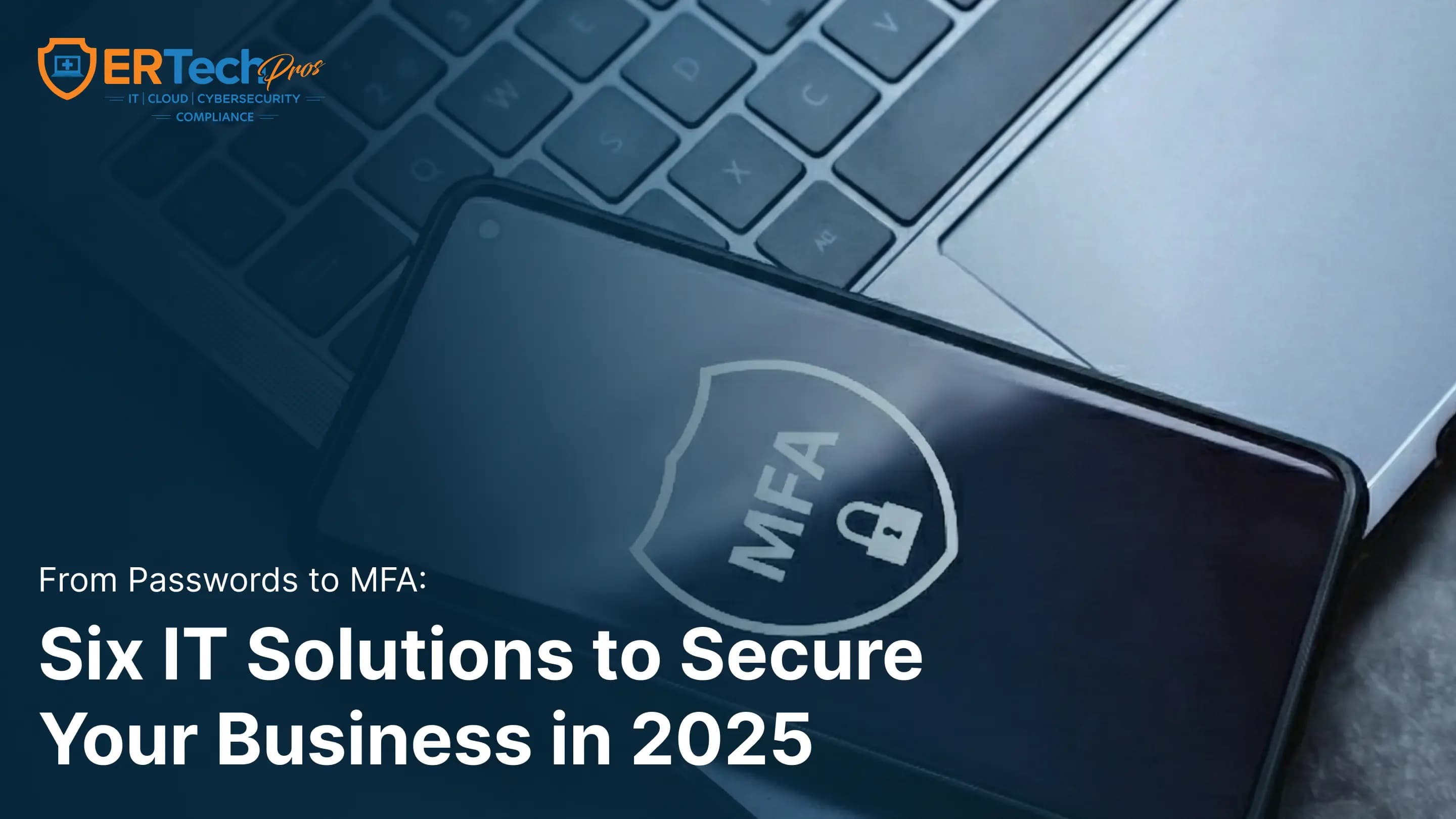
Cyberattacks are more advanced and widespread than ever before. In the past year alone, AI-powered cyberattacks have increased by nearly 300%, with healthcare organizations remaining one of the most targeted industries due to the high value of patient and financial data.
Today’s threats go far beyond traditional hacking. Organizations now face AI-driven network breaches, deepfake phishing attacks, credential theft, and ransomware incidents capable of shutting down entire healthcare systems.
The good news? With the right cybersecurity services and IT security management solutions, organizations can proactively prevent attacks instead of reacting to them. At ER Tech Pros, we help healthcare providers stay ahead of cybercriminals through future-ready cybersecurity strategies designed for 2025 and beyond.
Let us lend a hand, understand your needs, and bring you the security and success you deserve through these six essential IT solutions that every business needs to have in 2025.
What Are IT Security Management Services?
IT security management services are proactive cybersecurity solutions designed to protect an organization’s networks, devices, applications, and data from cyber threats.
These services typically include:
- Threat monitoring and incident response
- Endpoint and network protection
- Identity and access management
- Secure cloud backups
- Compliance and risk assessments
- Employee cybersecurity training
Organizations that implement managed cybersecurity services significantly reduce their risk of data breaches and operational downtime.
To build a resilient cybersecurity strategy in 2025, businesses must adopt layered protection — combining technology, policies, and employee awareness. Below are six essential cybersecurity solutions every organization should implement.
1. Strengthening Password Policies
Strong password management remains one of the most effective cybersecurity defenses. Weak or reused credentials continue to be a leading cause of unauthorized access and data breaches.
Why Weak Passwords Create Security Risks
- Reused passwords allow attackers to access multiple systems after one breach.
- Predictable passwords are easily cracked using automated tools.
- Manual password tracking leads to unsafe storage practices.
Best Password Practices for 2025
How do you make a strong password? Here’s a three-part formula for making unbreakable passwords:
- Minimum of 16 Characters: Each additional character exponentially increases security.
- A Unique Password for Every Account: No password recycling, no matter how tempting.
- Regular Updates: Only when necessary. The old “every 90 days” rule actually led to weak password variations.
The Power of Password Managers
When managing dozens (or hundreds) of unique, strong passwords feels overwhelming, that’s where password managers come in. These tools enable:
- Automatic generation of strong, unique passwords.
- Secure sharing capabilities for team access.
- Role-based access control for different staff levels.
- Audit trails for compliance requirements.
- Emergency access protocols for critical situations.
What Is a Password Manager?
A password manager is a cybersecurity tool that securely stores and generates complex passwords, allowing users to access accounts safely without memorizing multiple credentials. Password managers also support compliance tracking and secure credential sharing.
2. What Is Multi-Factor Authentication (MFA)?
Multi-factor authentication (MFA) is a security method that requires users to verify their identity using two or more authentication factors before accessing systems or data.
MFA verification categories include:
Authentication Type | Example |
|---|---|
Something You Know | Password or PIN |
Something You Have | Phone code or security key |
Something You Are | Fingerprint or facial recognition |
Microsoft reports MFA blocks 99.9% of automated cyberattacks, making it one of the most effective cybersecurity protections available.
Any password can be cracked, so let’s add an extra layer of security: multi-factor authentication (MFA).
MFA Best Practices
MFA solutions are a security process that requires more than just a username and password to access an account. They rely on three distinct types of verification:
By adding these extra layers, MFA methods ensure that unauthorized access gets blocked even if a password is compromised.
Something You Know | Something You Have | Something You Are |
|---|---|---|
The traditional PIN or password | Which could be a message code from a smartphone, authenticator apps, or physical security keys | Biometrics data like fingerprint scans, facial recognition, voice authentication |
Microsoft stated that MFA blocks 99.9% of automated attacks. When you consider that a single healthcare data breach costs an average of $9.8 million to remediate, MFA becomes not just a security measure but a necessity.
3. Endpoint Protection Solutions
Endpoint protection is a critical component of modern managed cybersecurity services, especially as remote work and BYOD environments expand the attack surface. Every connected device represents a potential entry point for cybercriminals.
As more businesses adopt remote work and Bring Your Own Device (BYOD) policies, endpoints—like laptops, smartphones, and tablets—have become the new front lines in cybersecurity.
Why Endpoint Protection Is Essential
When employees access data from multiple devices, this would also mean that cybercriminals have more opportunities to strike, making users vulnerable to:
- Malware that spreads across devices.
- Phishing that targets employees working remotely.
- Unsecured networks that expose sensitive data.
Key Features of Endpoint Protection
To safeguard your endpoints, look for solutions that include:
Antivirus and Anti-Malware | Device Encryption | Firewalls and Intrusion Detection System (IDS) |
|---|---|---|
These tools detect and block malicious software before it can cause damage. | Encrypting data on devices ensures that the information remains unreadable even if a device is lost or stolen. | These help prevent unauthorized access and monitor for suspicious activities. |
4. Secure Cloud Storage and Backup Solutions
Cloud storage allows healthcare organizations to store and access data over the internet instead of local computer drives.
What Is Secure Cloud Backup?
Secure cloud backup protects organizational data by storing encrypted copies in isolated environments that can be restored after cyber incidents, hardware failures, or ransomware attacks.
Key benefits include:
- Fast disaster recovery
- Protection against ransomware encryption
- Business continuity during outages
- Regulatory compliance support
Choosing the Right Cloud Platform
To make the most of cloud storage while staying secure, prioritize platforms with:
- End-to-End Encryption: This ensures data is protected in transit and at rest.
- Granular Access Controls: These help you restrict access based on roles and responsibilities.
- Audit Logs: It’s crucial to monitor who accesses files and when for added transparency.
- Multi-Factor Authentication (MFA): Adding an extra layer of security to cloud accounts is a must.
Implement a Robust Backup Strategy
Healthcare organizations can't afford to lose patient data or face extended system downtime. A comprehensive backup strategy includes:
- Keep three (3) copies of important data.
- Store backups on two (2) different types of media.
- Keep one (1) backup offsite or in a separate cloud service.
Automated Backup Schedules
- Make frequent incremental backups throughout the day.
- Perform full system backups during off-peak hours.
- Regularly test backup restoration processes.
Ransomware Protection - Modern backup solutions include specific features, such as:
- Immutable backups that cannot be modified once created.
- Air-gapped backup copies disconnected from the main network.
- Rapid recovery systems to minimize downtime.
5. Network Security Tools
Modern cybersecurity is no longer dependent on a single tool. Effective protection requires integrated cybersecurity services, combining endpoint protection, identity management, network monitoring, and secure backups into a unified defense strategy. Network security tools act as the backbone of organizational cybersecurity, continuously monitoring traffic, blocking unauthorized access, and detecting suspicious behavior before threats escalate into breaches.
Essential Network Security Tools
To reinforce your network defense, integrate these tools into your cybersecurity strategy:
- Firewalls: These tools act as the first line of defense, blocking unauthorized access while permitting legitimate traffic.
- Virtual private networks (VPNs): They securely encrypt data transmitted between users and your network, which is especially important for remote employees.
- Intrusion Detection and Prevention System (IDS/IPS): These systems monitor network traffic for unusual activity and block potential threats before they escalate.
Don’t Skip Updates and Patching
Even the best tools can’t protect your network if they’re outdated. Frequently updating your software and applying security patches is critical to:
- Fixing Vulnerabilities: Cybercriminals often exploit known software weaknesses.
- Enhancing Performance: Updates can improve the efficiency of your security tools.
- Staying Compliant: Many industries require up-to-date systems to meet regulatory standards.
6. Cybersecurity Awareness
Even with the best tools, a single human error can compromise the most advanced security technology. Data breach statistics indicate that human error accounts for 82% of incidents, as cybercriminals often find it easier to exploit than technical vulnerabilities. Common risks include:
Give your team the knowledge and skills to identify and respond to threats. When employees are empowered with cybersecurity knowledge, they serve as frontliners in your defense strategy by:
- Preventing Attacks: Employees well-trained in cybersecurity can identify and report threats before they escalate.
- Protecting Data: Keeping sensitive information, devices, and networks secure is a top priority for employees.
- Promoting a Security-First Culture: This standard encourages vigilance and proactive cybersecurity measures across the organization.
Cyberattacks happen all the time, so cybersecurity training shouldn’t be a one-time event either. Schedule regular refreshers and updates to inform your team about the latest threats and trends.
Securing Your Future: The Time for Action Is Now
In 2025, cybersecurity is no longer optional — it’s essential for business continuity, regulatory compliance, and patient trust.
Here at ER Tech Pros, we go beyond basic IT management services and deliver peace of mind so you can run your business without worrying about cybercriminals trying to steal your data. We are here to:
- Understand your needs and challenges better.
- Create customized security solutions.
- Provide ongoing support and monitoring.
- Ensure compliance with healthcare regulations.
- Deliver regular updates and security assessments.
From proactive monitoring and compliance support to rapid threat response, we help you stay protected against evolving cyber threats.
Schedule your cybersecurity consultation today and take the first step toward a safer, more resilient future.
Got Questions?
We've Got Answers
Find clear answers to common questions that help guide your IT operations.
Related Content
How to Build an Effective Ransomware Response Plan
How Does Ransomware Work? A Step-by-Step Guide for Businesses